
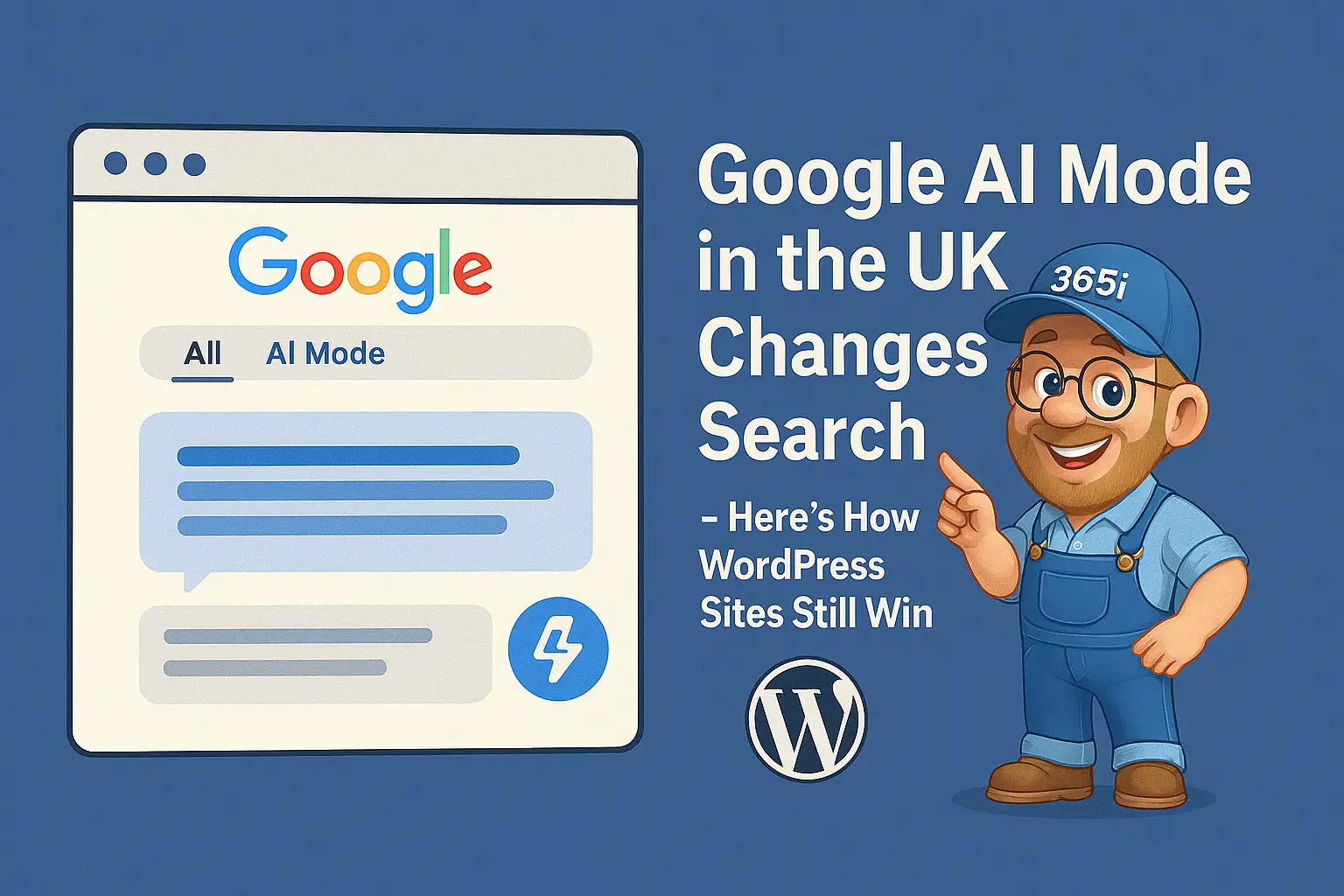
Last Sunday, whilst having my usual weekend scroll through search results, something felt different. That new Google AI Mode tab had appeared at the top of Google Search — officially launched in the UK on July 28th, 2025. After months of watching our American cousins test this conversational search experience, it's finally here for UK users.
What caught me off guard wasn't just the chat-like interface, but how radically it changes the game for website owners. Instead of the traditional list of blue links, Google's new AI Mode delivers comprehensive answers by synthesising information from multiple sources simultaneously. For WordPress site owners particularly, this shift demands a complete rethink of how we create and optimise content.
The reality is stark — while AI Mode might reduce immediate clicks to your site, the visitors who do click through will be far more qualified and ready to convert. Here's how smart WordPress site owners can not just survive this change, but actually thrive in the new AI-powered search landscape.
Related Posts:
ChatGPT 6 WordPress Business Guide: Predictions & Prep for 2025
WordPress 6.9 arrives 2 December 2025 – what’s new and your upgrade checklist
What Google AI Mode Actually Means for UK Searchers
Think of AI Mode as having a proper conversation with Google rather than just typing keywords and hoping for the best. Powered by Google's Gemini 2.5 model, it breaks down complex queries using what they call "query fan-out" — essentially running multiple searches simultaneously to build comprehensive responses.
The difference from those AI Overviews we've grown accustomed to is night and day. While AI Overviews provide quick summaries above traditional results, AI Mode transforms the entire search interface into something that feels more like ChatGPT than the Google we've known for decades.
"You can now ask questions like: 'Things to do in Edinburgh this weekend with friends. We're big foodies who like music but also chill vibes and exploring off the beaten track.'"
What's particularly fascinating is how user behaviour is shifting. In the US and India, where AI Mode has been live for months, Google reports that search sessions are 38% longer than traditional searches. Users aren't just asking quick questions anymore — they're having proper conversations, asking follow-ups, and diving deeper into topics.
For WordPress site owners, this presents both a challenge and an opportunity. The challenge? Fewer people might click through to your site initially. The opportunity? When they do visit, they'll be much more informed and closer to making a decision.
Will AI Mode Crush Your Website Traffic
Let's address the elephant in the room — yes, AI Mode will likely reduce some initial clicks to websites. Industry reports from the US launch show mixed results, with some publishers seeing traffic dips while others report that the clicks they do receive convert better.
The key insight here is what Google calls "quality clicks." While you might get fewer visitors, those who do click through have already consumed AI-generated summaries of your topic. They're coming to your site for deeper insights, specific solutions, or to take action — not just to find basic information.
Think of it like this: would you rather have 1,000 casual browsers or 200 people who already understand your topic and are genuinely interested in what you offer? For most businesses, especially those offering services or products, the latter is far more valuable.
The smart move isn't to panic about reduced clicks, but to position your content as the authoritative source that AI systems cite. That's where our proven strategies for capturing featured snippets become even more crucial. If you haven't already optimised for Position Zero, now's the time to start.
Your New Content Strategy for AI-First Search
Creating content for AI Mode requires a fundamental shift in thinking. Gone are the days of keyword-stuffed articles that dance around the main point. AI systems reward content that answers questions directly, comprehensively, and with genuine expertise.
The winning formula I've discovered through testing involves what I call "question-led intros" — starting each section with a clear, direct answer in 40-60 words, then expanding with examples, context, and deeper insights. It's like giving readers (and AI) the headline first, then the story.
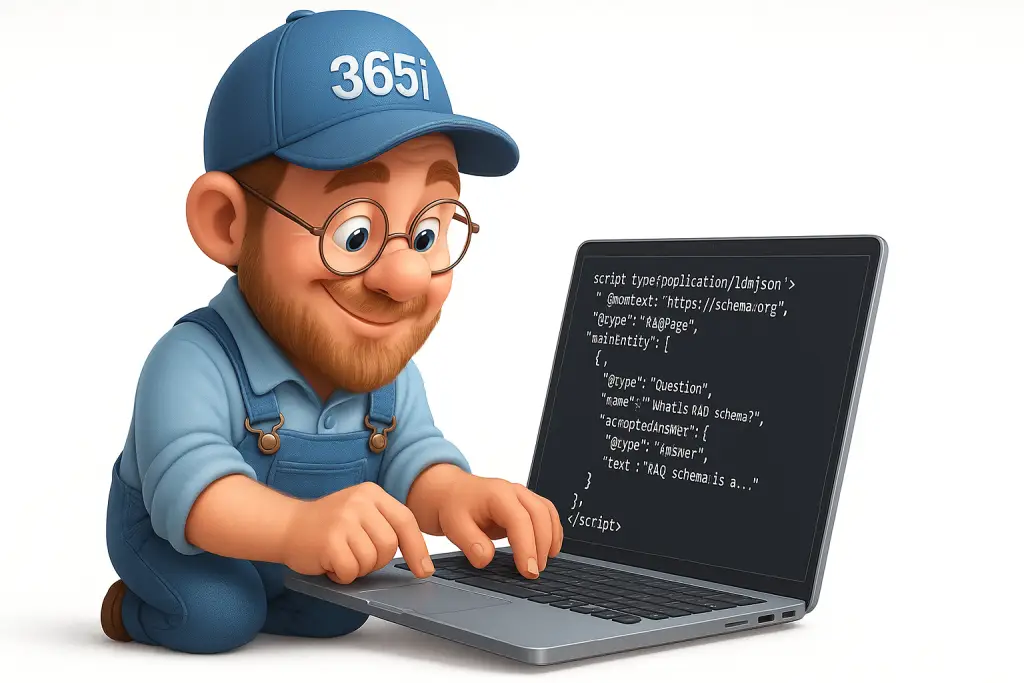
FAQ sections have become absolutely critical. Not just any old FAQs, but carefully crafted questions that address the specific queries your audience asks. Google's AI loves well-structured question-and-answer formats because they're easy to extract and cite. The AI FAQ Generator we've built specifically addresses this need, helping you create search-optimised FAQs with proper schema markup. For the technical implementation details, our guide on CSS FAQ accordions for schema markup covers the coding aspects perfectly.
What's particularly exciting is how this approach aligns with creating genuinely helpful content. When you write to satisfy both AI systems and human readers, you naturally produce more valuable, comprehensive resources. I've been testing this methodology in our AI blog content workflow with impressive results.
The secret sauce lies in clustering related topics and questions within single pieces of content. Instead of creating five thin articles about different aspects of WordPress security, create one comprehensive guide that covers all angles with specific sections for each query type.
Technical WordPress Optimisations That Actually Matter
Here's where things get interesting — while content strategy evolves, certain technical fundamentals become even more important in an AI-driven world. Page speed, which was already crucial, now determines whether AI systems even consider your content worth citing.
Core Web Vitals, particularly Interaction to Next Paint (INP), have become make-or-break metrics. If your WordPress site takes more than 200 milliseconds to respond to user interactions, you're effectively invisible to both AI crawlers and the humans who do click through from AI Mode results.
The good news is that WordPress 6.8 introduced several performance improvements that directly address these concerns. However, many sites still struggle with implementation. Our comprehensive WordPress speed optimisation guide covers the specific techniques that work best in 2025.
Internal linking structure has also gained new importance. AI systems don't just look at individual pages — they map the relationships between your content to understand topical authority. A well-planned internal linking strategy signals to AI that your site is a comprehensive resource on specific topics.
One particularly effective approach involves creating topic clusters with pillar pages that comprehensively cover broad subjects, supported by detailed articles on specific aspects. This mirrors how AI Mode operates — broad queries get comprehensive answers, with the ability to drill down into specifics.
WordPress 6.8 Features That Give You an Edge
Speaking of WordPress improvements, version 6.8 introduced several features that directly support AI-friendly content creation. The new Speculation Rules API can dramatically improve perceived page speed by preloading likely next pages users might visit.
What's particularly clever about this is how it aligns with AI Mode user behaviour. Since AI Mode sessions are 38% longer and involve more exploration, having your related pages load instantly creates a seamless experience for visitors who do click through.
However, many sites have struggled with WordPress 6.8's image upload performance issues. We've developed a solution that addresses these problems while maintaining the speed improvements. The image upload fix is particularly important for content teams who need to publish quickly and efficiently.
The new override system in WordPress 6.8 also deserves attention. It allows for much cleaner, more consistent layouts without requiring custom code — something that becomes increasingly important as AI systems evaluate page structure and user experience signals.

Hosting and CDN Strategies for the AI Era
The hosting landscape has fundamentally shifted with AI Mode's arrival. Traditional metrics like uptime, whilst still important, take a back seat to response times and global content delivery speeds. AI systems crawl more aggressively and expect consistent performance across all geographic regions.
This is where CDN strategy becomes critical. Google's AI Mode doesn't just serve UK users from UK servers — it synthesises information from global sources and expects all cited content to load quickly regardless of user location. A robust CDN ensures your WordPress content remains accessible and fast for both AI crawlers and international visitors.
The performance requirements are becoming more stringent. Time to First Byte (TTFB) under 200ms is now considered the minimum acceptable standard, not the aspirational target it once was. This requires hosting infrastructure specifically optimised for WordPress, with caching layers, database optimisation, and PHP configurations tuned for modern content management demands.
Our WordPress Turbo Hosting platform was designed specifically with these requirements in mind, delivering the consistent performance that both AI systems and human visitors expect. The integrated global CDN ensures your content loads quickly regardless of where Google's AI systems or your visitors are located.
Analytics and Monitoring in the AI Mode Era
One of the trickiest aspects of AI Mode is that traffic doesn't currently appear in Google Analytics or Search Console in any clearly identifiable way. This creates a significant blind spot for website owners trying to understand their AI Mode performance.
The workaround involves monitoring longer-tail queries (typically 10+ characters) in Search Console, as these often correspond to the more conversational searches that trigger AI Mode responses. You'll also want to track branded versus non-branded traffic patterns, as AI Mode tends to increase branded searches when people want to visit specific sites after consuming AI-generated summaries.
Internal link performance becomes a crucial metric to monitor. Since AI Mode users who do click through tend to explore more deeply, tracking which internal links get the most engagement can reveal which topics and content structures work best in the new search paradigm.
FAQ-rich results deserve special attention in your analytics. These sections often get featured in AI responses, so monitoring their click-through rates and engagement can provide insights into how well your content performs in AI Mode contexts.
Quick Action Checklist for WordPress Site Owners
Right, enough theory — here's what you can do today to prepare your WordPress site for AI Mode success. These are the practical steps I'm implementing across all the sites I manage:
First, generate comprehensive FAQ sections for your key pages using structured data markup. The questions should address specific user intents, not just generic queries. Second, optimise your page intros to answer the main question within the first 60 words, then expand with supporting details. Third, audit your internal linking to ensure related content is properly connected — aim for 5-8 relevant internal links per post. Fourth, check your Core Web Vitals, particularly INP, and address any issues immediately. Finally, ensure your CDN configuration is properly optimised for global content delivery.
These changes might seem incremental, but they compound quickly. The sites that implement these optimisations now will have a significant advantage as AI Mode becomes more prevalent in UK search results.

The Bottom Line
Google AI Mode isn't just another algorithm update — it's a fundamental shift in how people discover and consume information online. For WordPress site owners, this represents both the biggest challenge and the biggest opportunity we've seen in years.
The winners in this new landscape won't be those who try to game the system or fight the change. They'll be the ones who embrace the shift towards more conversational, comprehensive content that genuinely helps people solve problems and make decisions.
Yes, you might see fewer casual clicks initially. But the visitors you do attract will be more qualified, more engaged, and more likely to convert. That's not a trade-off — that's an upgrade.
Ready to optimise your WordPress site for AI Mode success? Our WordPress hosting platform provides the speed, reliability, and technical optimisations your site needs to thrive in the AI search era.
Google AI FAQs
Is AI Mode replacing traditional Google search results?
Should I completely change my content structure for AI Mode?
Will schema markup still matter in AI Mode?
How fast is fast enough for WordPress in the AI era?
Are featured snippets still worth pursuing?
Will AI Mode affect local search results?
How can I track my site's performance in AI Mode?
Learn more about our WordPress Hosting.


