
Remember when getting proper SEO meant hiring expensive consultants? Or when creating engaging content required a team of writers? Those days are proper gone. Today's AI WordPress tools have completely transformed what's possible for WordPress site owners who can't tell PHP from a cup of tea.
Table of Contents
- Why 2025 is the breakthrough year for non-technical WordPress users
- Content creation that actually works without breaking the bank
- SEO optimisation that doesn't require a computer science degree
- Customer service that runs while you sleep
- Site auditing and performance insights without the technical jargon
- Marketing automation that scales with your ambitions
- Getting started without overwhelming yourself
- What this means for WordPress users in 2025
I've been watching this space evolve, and frankly, the changes in 2025 have been mental. We're talking about tools that can write your content, optimise your SEO, handle customer service, and even audit your entire site – all without touching a single line of code.
The numbers from industry research are compelling. According to market analysis, AI WordPress plugin adoption has grown significantly in 2024, with case studies showing early adopters achieving traffic increases of 20-115% and time savings of 60-80%. More importantly for most WordPress users, these tools require absolutely zero technical knowledge.
Important note: Results vary significantly based on implementation quality, content strategy, site type, and industry. The figures mentioned throughout this article represent reported case studies and industry research rather than guaranteed outcomes. Your specific results will depend on how thoroughly you implement these tools and how well they align with your business goals.
Why 2025 is the breakthrough year for non-technical WordPress users
Here's what's changed everything: the barrier between "I want to do this" and "actually doing it" has virtually disappeared. Take AIWU (AI ChatBot, Content Generator, MCP & Autoblogging Toolkit) – you can literally tell it "Create a landing page about our plumbing services" and it handles the entire process. Page creation, content generation, SEO optimisation, the lot.
The key difference now is Model Context Protocol (MCP) integration. This means AI can directly control your WordPress site through conversation rather than requiring you to copy and paste between tools. It's like having a digital assistant who actually understands WordPress inside and out.
Elegant Themes recently noted: "The integration of AI into WordPress has removed the technical barriers that previously limited non-developers. What once required coding expertise can now be accomplished through simple conversation."
For WordPress hosting specifically, this matters because AI-powered tools work best on properly optimised hosting platforms. The performance benefits compound when your hosting infrastructure can handle AI plugin requirements seamlessly.
Content creation that actually works without breaking the bank
Let's start with the obvious one – content creation. But I'm not talking about generic AI content that reads like it was written by a robot having an existential crisis. Modern WordPress AI tools create content that's genuinely useful.
AI Engine by Meow Apps has become a popular choice here. With over 80,000 installations and strong user ratings, it integrates directly into your WordPress editor. You simply type "/" and tell it what you want. "Write a 500-word guide about choosing bathroom tiles" becomes a comprehensive piece that actually makes sense.
GetGenie AI takes this further by focusing specifically on SEO. Their 37+ templates aren't just content generators – they're strategic tools that analyse your competitors and suggest improvements. One documented case study showed a project management platform achieving a 115% increase in website traffic within 12 months of implementation – though results like this depend heavily on content strategy and market conditions.
Here's a practical approach that works brilliantly:
For blog posts: "You are an expert writer in [your industry]. Write a comprehensive guide about [specific topic] that addresses [specific pain point]. Include practical examples and actionable advice."
For product descriptions: "Create compelling product descriptions for [product name] that highlight [key benefits] and address [customer concerns]. Use persuasive but not pushy language."
The beauty is that these tools learn from your existing content. They pick up your brand voice and writing style, so the output feels authentically yours rather than obviously AI-generated.
What's particularly clever is how these integrate with WordPress's latest performance improvements. When your hosting platform supports modern PHP versions and optimised caching, these AI tools run significantly faster.
SEO optimisation that doesn't require a computer science degree
Right, let's talk SEO. This is where AI has properly revolutionised things for non-technical users. Remember spending hours researching keywords and trying to understand Google's latest algorithm changes? AI tools now handle the heavy lifting.
All-in-One SEO (AIOSEO) has introduced features that would have cost thousands in consultancy fees just a couple of years ago. One click generates five optimised title suggestions and meta descriptions based on your content. The Link Assistant automatically discovers internal linking opportunities – something that used to require manual site audits.
According to WPForms' latest research: "AI-powered SEO tools have democratized search optimization, with small businesses now achieving results previously available only to enterprises with dedicated SEO teams."
Rank Math's RankBot takes this even further. It creates content calendars with pre-researched long-tail keywords and automatically imports them to Google Calendar. The system identifies content gaps and suggests topics that your competitors aren't covering.
Here's what can move the needle:
- Schema markup generation – Tools like AIOSEO now create this automatically, with some users reporting increased rich snippet appearances
- Competitor content analysis – AI identifies what's working for your competitors and suggests improvements
- Content optimisation – Real-time suggestions as you write, ensuring your content hits SEO targets
The connection to proper WordPress hosting becomes crucial here. AI SEO tools generate additional database queries and require consistent uptime to maintain search rankings. When your hosting platform includes features like 365i's 1-click optimisation tools, the performance impact becomes negligible.

Customer service that runs while you sleep
This might be the most immediately valuable application for most WordPress site owners. Research suggests AI chatbots can handle a significant portion of customer inquiries automatically, and they're actually good at it.
Tidio's Lyro AI learns from your existing FAQs and website content to provide accurate, helpful responses. The free plan covers 50 conversations monthly, with paid plans starting at £18 per month. But here's the kicker – it integrates seamlessly with WordPress through a simple plugin installation.
Business Dasher reports improvements from AI implementation: "Businesses implementing AI customer service see 37% reduction in first response times and 30% reduction in customer service costs."
WPBot offers even more flexibility by supporting multiple AI models (OpenAI, Gemini, Claude). You can train it with uploaded documents and specific website data, creating a knowledge base that provides instant answers in multiple languages.
The practical benefits can be immediate:
- 24/7 availability without hiring night staff
- Consistent responses that don't vary based on mood or experience level
- Instant escalation to human support when needed
- Multiple language support for international audiences
What makes this particularly effective for WordPress users is how these tools integrate with your existing hosting infrastructure. While AI handles routine inquiries, human support remains available for complex technical issues.
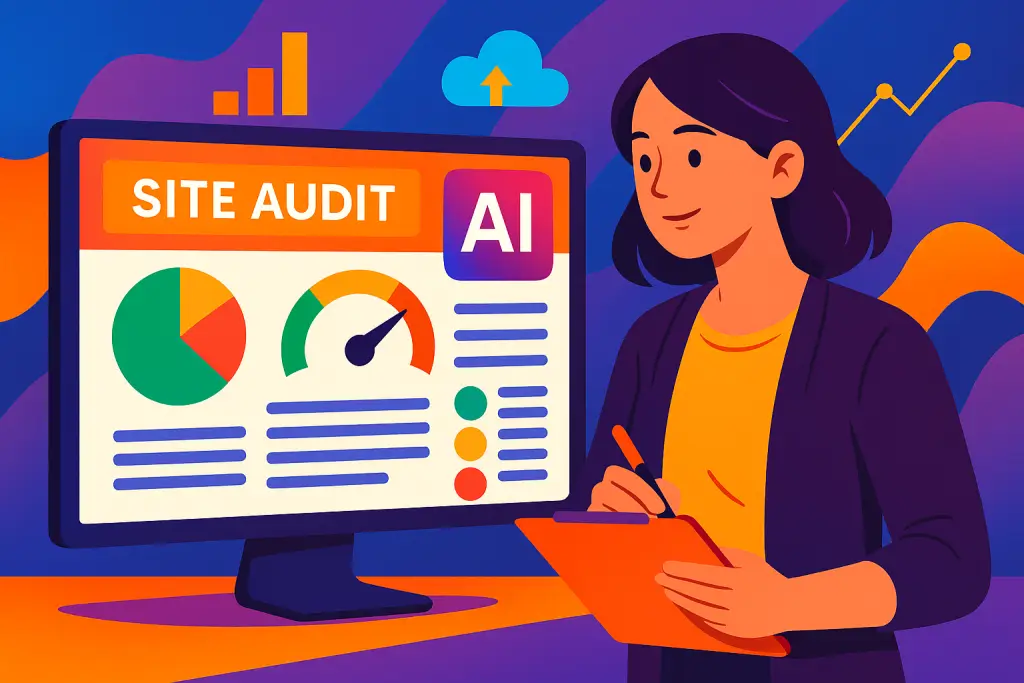
Site auditing and performance insights without the technical jargon
Here's where things get properly impressive. AI-powered auditing tools now provide insights that would have required expensive consultants or technical expertise to obtain and understand.
SEO AI Audit Tool integrates with Google Search Console and Ahrefs data, but presents recommendations in plain English with clear, actionable checklists. No more overwhelming spreadsheets or technical reports you can't understand.
AIOSEO's SEO Audit Checklist uses a traffic light system that makes optimisation accessible to complete beginners. Green means you're sorted, amber suggests improvements, red requires immediate attention. Simple as that.
Surfer SEO takes this to enterprise level with comprehensive content audits based on current SERP analysis. The Content Editor provides live feedback as you write, comparing your content against top-ranking pages. Case studies from various implementations suggest strong returns on investment when properly used.
The key insight is that these tools translate complex technical data into actionable business decisions. Instead of "your Time to First Byte is 2.3 seconds," you get "install a caching plugin and consider upgrading your hosting plan."
This connects directly to WordPress performance optimisation. AI audit tools can identify performance bottlenecks, but they need hosting infrastructure that can implement the recommended improvements effectively.

Marketing automation that scales with your ambitions
The marketing automation possibilities have become genuinely exciting for WordPress users. We're talking about sophisticated campaigns that previously required dedicated marketing teams.
Uncanny Automator's OpenAI integration exemplifies this perfectly. When you publish a blog post, it automatically generates platform-specific social media content for Instagram, LinkedIn, Twitter, and Facebook, then publishes to all connected accounts. The cost? Around £120 annually plus roughly 15p per blog post.
Case studies show impressive potential: some implementations report engagement increases up to 285%, significantly improved content production capability, and substantial organic reach growth. Time investment typically drops from hours to minutes.
Mail Mint transforms email marketing by connecting directly to ChatGPT within the WordPress dashboard. According to available research, AI-generated subject lines can achieve higher open rates compared to traditional approaches, with click-through rates also showing improvement.
According to Digital First: "AI-driven social media campaigns show 285% higher engagement rates compared to traditional content, with automated posting systems reducing content creation time by 75%."
The most effective approach uses cross-channel integration through tools like ConvesioConvert, which provides sophisticated customer journey mapping across email, popups, and webpage personalisation. Advanced attribution reporting justifies the investment through measurable ROI improvements.
This automation works best when supported by reliable hosting infrastructure that handles increased traffic and automated processes without performance degradation.

Getting started without overwhelming yourself
Right, enough theory. Here's how to actually implement this stuff without losing your mind or your budget.
Foundation Phase Start with one primary AI plugin – I'd recommend AI Engine for versatility or GetGenie for SEO focus. Set up API access (most tools guide you through this). Install an AI-enhanced SEO plugin like AIOSEO. Begin with provided templates rather than trying to create perfect prompts immediately.
Initial Expansion Once you're comfortable with content creation, add customer service automation with Tidio or WPBot. Create your first automated workflow (blog-to-social media works brilliantly). Generate comprehensive site architecture using AI planning tools. Start building FAQ content that trains your chatbot.
Advanced Integration Implement email marketing automation with AI-generated sequences. Create content calendars using AI strategic planning. Begin A/B testing different approaches to identify what works for your audience. Set up performance monitoring to track improvements.
Optimisation and Scale Analyse performance metrics and refine strategies based on actual results. Expand to additional platforms as confidence grows. Implement advanced features like predictive analytics. Scale successful workflows while maintaining quality through human oversight.
Critical success factors: Start with free tiers to test capabilities. Budget around £50-100 monthly for serious implementation. Always review AI-generated content before publishing. Monitor API costs and set spending limits. Focus on mastering one tool completely before adding others. Remember that results depend on consistent use and quality control.
The connection to proper WordPress hosting becomes crucial as you scale. AI tools generate additional server requests and database queries. Hosting platforms with built-in optimisation and autoscaling handle this growth seamlessly.
What this means for WordPress users in 2025
The implications are massive. We're looking at a fundamental shift in what's possible for non-technical WordPress users. Small businesses can now compete with enterprises that have dedicated technical teams. Solo entrepreneurs can manage sophisticated websites that would have required agencies just two years ago.
SitePoint's analysis confirms this trend: "The democratization of AI tools has leveled the playing field, enabling small WordPress sites to achieve performance and functionality previously available only to large organizations with substantial budgets."
More importantly, this trend is accelerating. Industry projections suggest the AI WordPress plugin market is experiencing significant growth. Early adopters are positioning themselves for potential competitive advantages.
The key is starting now with focused implementation rather than waiting for perfect solutions. Choose one area – content creation, SEO, or customer service – and implement thoroughly before expanding. The tools exist, the workflows are proven, and the competitive advantage is clear.
When combined with optimised WordPress hosting platforms that support AI tool requirements, the results compound significantly. Performance improvements, security enhancements, and scalability features work together to create websites that genuinely compete at professional levels.
The WordPress AI revolution requires no coding knowledge – only strategic thinking and willingness to embrace new possibilities. The question isn't whether to implement AI tools but how quickly you can begin transforming your website's capabilities.
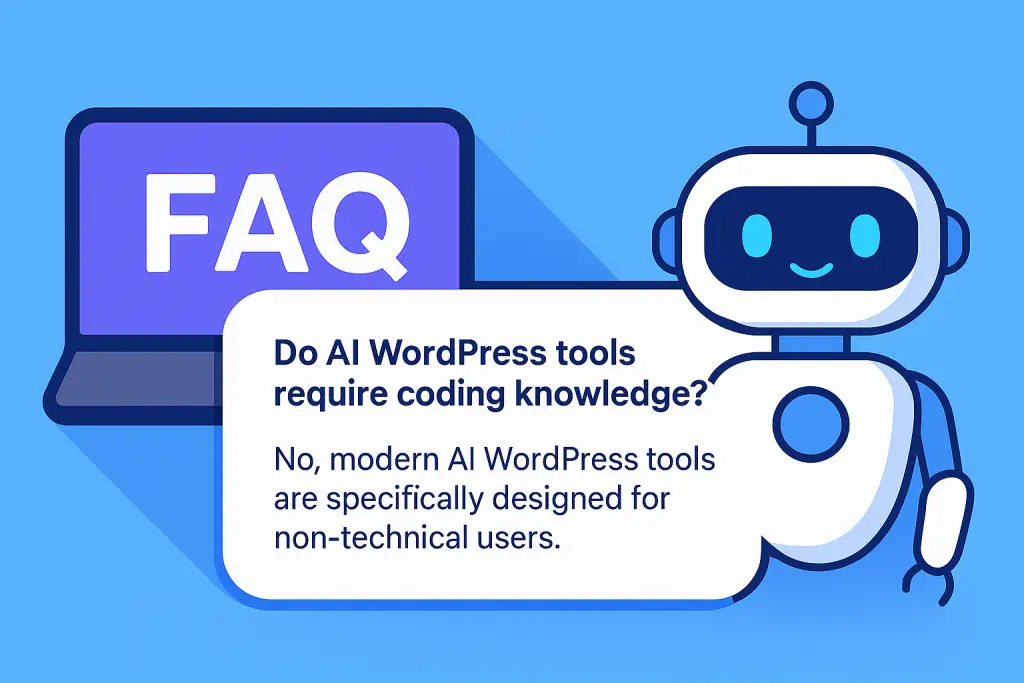
Do AI WordPress tools require coding knowledge?
What are the best AI tools for WordPress content creation?
How much do AI WordPress tools cost?
Can AI tools improve WordPress SEO automatically?
How effective are AI chatbots for WordPress customer service?
What hosting requirements do AI WordPress tools have?
How long does it take to implement AI tools on WordPress?
What ROI can be expected from AI WordPress tools?
Discover how our WordPress Hosting and WordPress Turbo Hosting platforms optimise AI tool performance.


