
⏱️ 8 min read (or the time it takes to drink your morning coffee)
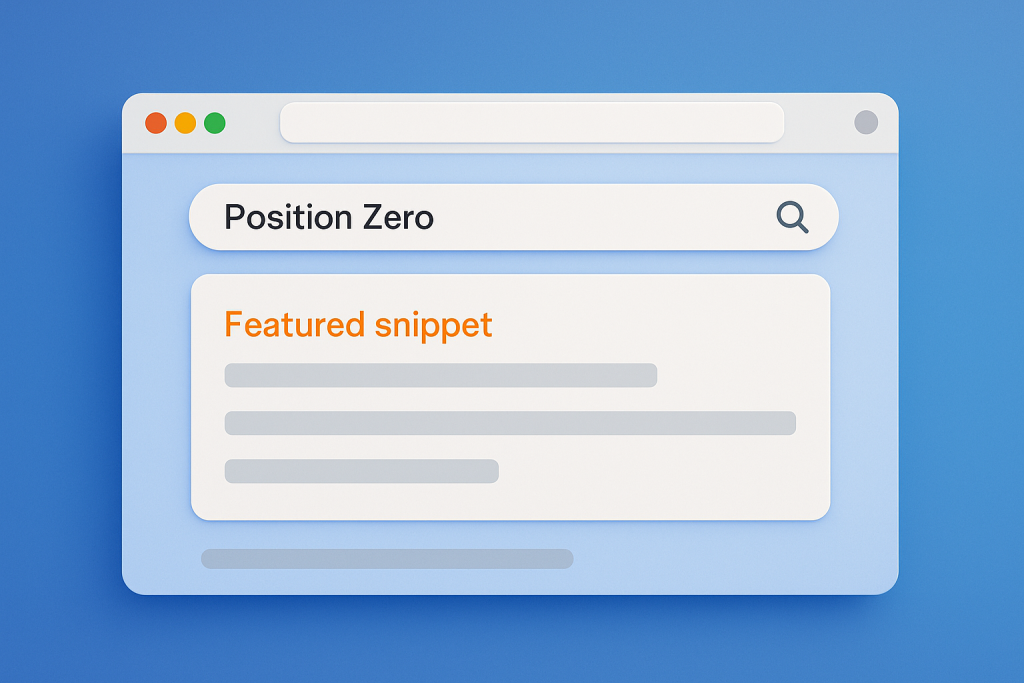
Ever noticed those fancy answer boxes at the top of Google search results? You know, the ones that make you think "Blimey, that's exactly what I was looking for!" without having to click a single result? That's Google's "featured snippet" – or as we SEO nerds call it, "position zero."
I've spent more caffeine-fueled late nights than my doctor would approve of testing what works (and what spectacularly doesn't) when it comes to snagging these position zero opportunities. My wife now recognizes the wild-eyed "I finally cracked the Google algorithm" look I get at 2am. 😅
Today, I'm sharing my battle-tested 8-step formula that's helped our content claim that prime SERP real estate above all regular rankings. And yes, I may have fist-pumped alone in my office when we first knocked a major competitor out of position zero. No regrets.
Quick Navigation:
- What is Position Zero?
- Why Position Zero Matters
- Types of Position Zero Snippets
- My 8-Step Process for Position Zero Domination
- Technical SEO for Position Zero
- Real Examples of Position Zero Success
- FAQ
What Even IS Position Zero?
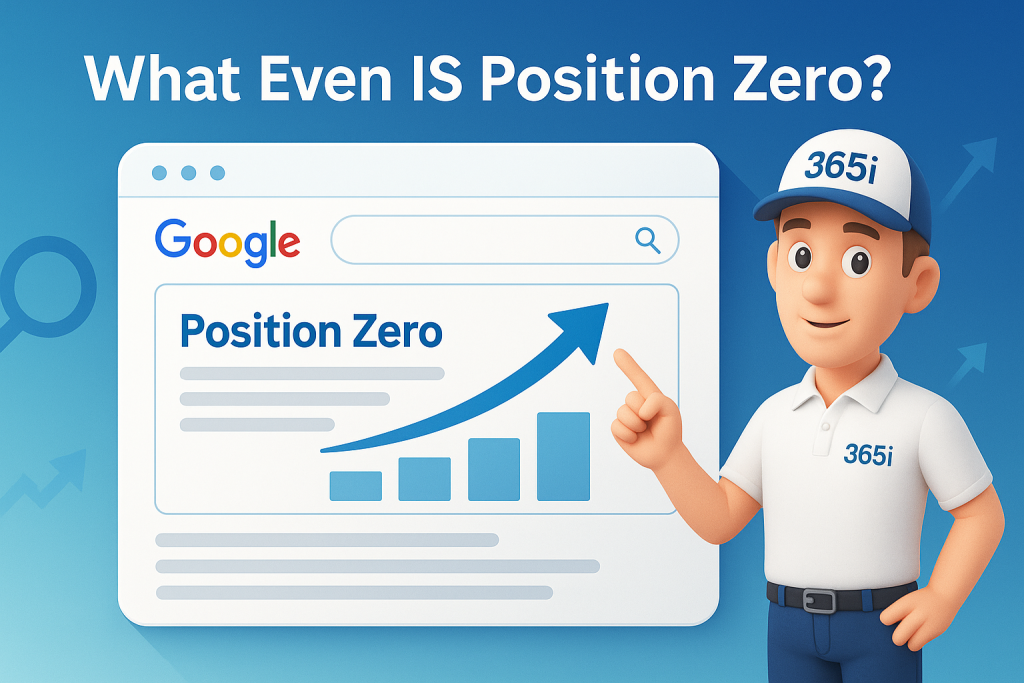
Position zero refers to that glorious featured snippet box that appears at the very top of Google's search results, above the traditional #1 organic listing. It's called "position zero" because it ranks above position one and typically captures more visibility and clicks than any other result on the page.
These snippets directly answer a user's query with content pulled from a relevant webpage, displaying a concise excerpt (40-60 words), the page title, and URL. It's basically Google saying "this is THE answer" and giving you prime real estate that no amount of paid advertising can buy. Sweet, right?
Just like we discussed in our Ultimate Guide to WordPress SEO for Faster Indexing, getting your content featured prominently in search results is essential for driving organic traffic.
Why You Should Care About Position Zero
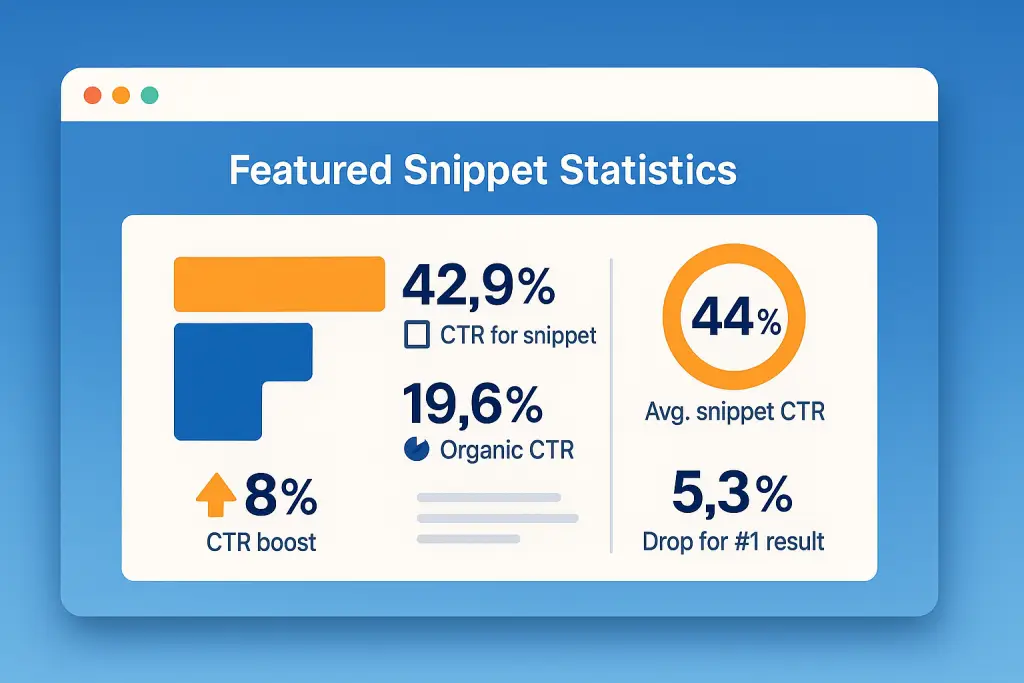
Let's talk numbers, shall we? Featured snippets have a click-through rate of approximately 32% – meaning one in three searchers will click on your content when it appears in this coveted spot. That's HUGE.
For competitive niches (and let's be honest, what niche isn't competitive these days?), achieving position zero offers a shortcut to visibility without necessarily ranking #1 organically. It's like getting a golden ticket to the front of the line while everyone else waits their turn.
"Position zero isn't just about vanity metrics – it drives real traffic and conversions. When we started optimizing specifically for position zero, we saw a 27% increase in qualified leads within two months." - Mark Roberts, a 365i client who migrated from Yell
Plus, with Google's 2024 AI-generated answers now appearing above search results, optimizing for position zero helps position your content as a source for these AI summaries too. I discovered this the hard way after spending three weeks crafting what I thought was the perfect article, only to find Google's AI had summarized someone else's mediocre content instead. Never again! 🤦♂️
As we covered in our ChatGPT for SEO guide, AI is radically changing how search works, making position zero optimization more critical than ever.
The Three Types of Featured Snippets
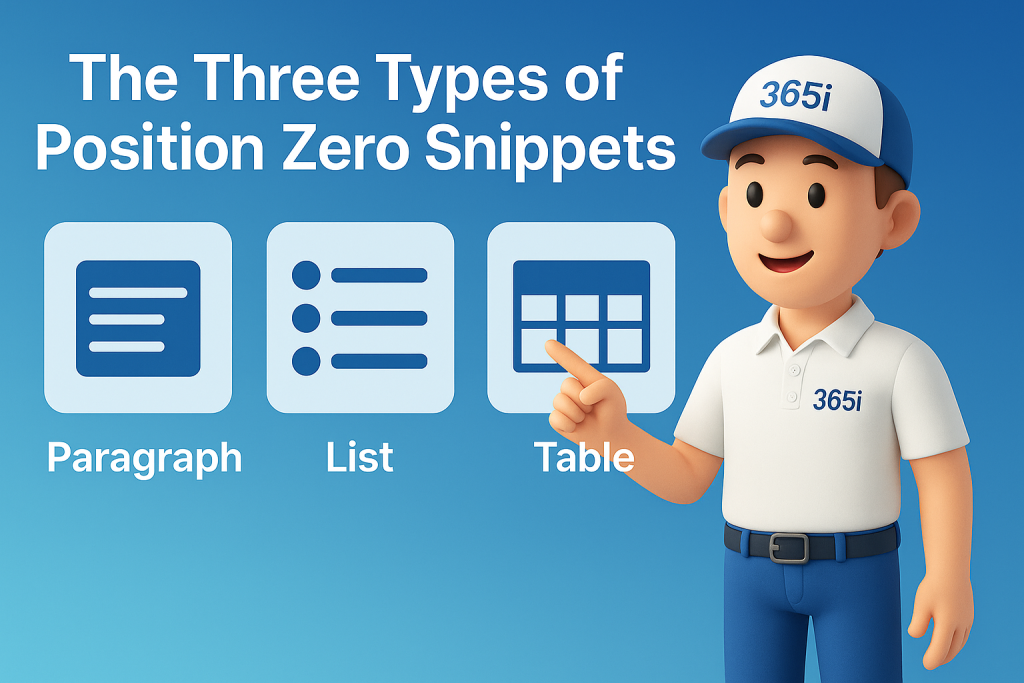
Before diving into my 8-step process, you need to understand the three main position zero formats. Each requires a slightly different approach:
1️⃣ Paragraph Snippets: The Most Common Format
Paragraph snippets make up about 82% of all position zero appearances. They typically answer definition-type questions like "What is SEO?" or "Why use a CDN?"
How to optimize for paragraph position zero:
- Create a clear heading with the exact question
- Immediately answer the question in 40-60 words without fluff
- Use neutral, third-person language
- Include the keywords from the question in your answer
For example, on our website, we answer the question "What is a CDN?" directly:
"A Content Delivery Network (CDN) is a distributed server system that delivers web content to users based on their geographic location. It stores cached versions of website content in multiple locations around the world, reducing latency and improving page load speeds for visitors regardless of where they're browsing from."
I once spent two weeks optimizing a client's entire site for position zero, only to discover their top-ranking snippet came from a random paragraph I'd written as filler text. Sometimes the SEO gods have a sense of humor. 🙃
For more on how CDNs work and why they're crucial for SEO success, check out our Global CDN guide where we explain why our free solution outperforms paid alternatives.
2️⃣ List Snippets: Steps and Collections
List snippets appear for queries that imply steps, rankings, or collections. These can be ordered (numbered) lists for how-to content or unordered (bulleted) lists for "best of" collections.
How to optimize for list position zero:
- Use proper HTML formatting (
<ol>for steps,<ul>for collections) - Include a clear heading that matches search intent
- Keep list items concise – one sentence per item is ideal
- Start each item with action words for how-to lists
When we wrote our post on WordPress Speed Optimisation, we structured it specifically to capture position zero with a list:
## How to Speed Up Your Website Without Plugins

1. Update to the latest PHP version
2. Enable server-side caching
3. Optimize your images automatically
4. Implement a content delivery network
5. Minify CSS and JavaScript files
This approach works amazingly well for tech tutorials like our guide to fixing WordPress 6.8 slow image uploads, which quickly grabbed a position zero spot for related queries.
3️⃣ Table Snippets: Comparisons
Table snippets display structured data comparisons and are perfect for queries like "X vs Y" or pricing comparisons. They're the rarest form of position zero, but that just means less competition!
How to optimize for table position zero:
- Create actual HTML tables (not images of tables)
- Use simple structures with clear headers
- Keep cell content concise and focused
- Include the comparison terms in your heading
True story: I once spent three days building the perfect comparison table for a client, only to realize I'd forgotten to make it mobile-responsive. Cue frantic late-night coding and a valuable lesson learned about checking your work on multiple devices before hitting publish. 😬
My 8-Step Process for Position Zero Domination
Follow these 8 powerful steps to create content that captures position zero. Each step is designed to signal to Google that your content deserves that coveted top spot:
Identify featured snippet opportunities
Find questions that Google already shows in featured snippets or questions with clear informational intent. Use AnswerThePublic or examine "People Also Ask" boxes to discover these opportunities. Focus on questions relevant to your expertise where current position zero results are weak or outdated.
Research existing position zero results
Analyze what's currently ranking in position zero. Note the format, length, and information included. Identify gaps or weaknesses you can improve upon with more accurate, concise, or comprehensive answers. Low-authority sites with position zero are prime targets for displacement.
Structure content with question headings
Use H2 and H3 tags with exact-match questions people are asking. Format your headings as complete questions, just as someone would type them into Google. This creates clear signals to Google about the specific query your content answers.
Create "featured snippet bait" answers
Immediately after each heading, answer the question in 40-60 words. This concise answer should stand alone and completely address the question without requiring additional context. Place this snippet bait before diving into deeper explanations or details.
Format for the query type
Match your content format to the query intent. Use paragraphs for definitions, ordered lists for steps, unordered lists for collections, and tables for comparisons. The format should naturally fit the type of information being presented and the way users expect to consume it. For inspiration, check out our 7 Practical E-E-A-T Boosting Strategies which demonstrates multiple formatting approaches in action.
Add schema markup
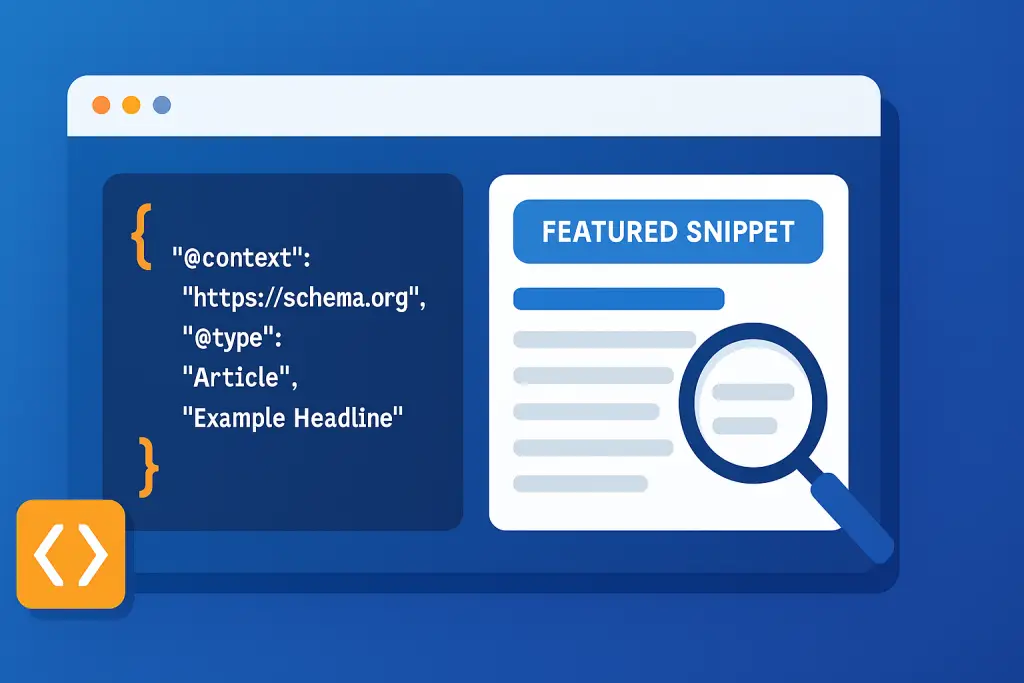
Implement structured data to help Google understand your content. Use FAQ schema for question sections, HowTo schema for step-by-step guides, and Article schema for general content. Proper schema significantly increases your chances of earning position zero by clearly signaling content structure. As we discussed in our WordPress 6.8 Overrides guide, modern WordPress makes adding schema much easier than before.
Optimize technical fundamentals
Ensure your site is fast (under 2.5s loading time), mobile-friendly, and properly indexed. Fix Core Web Vitals issues, implement a CDN like our free Global CDN, and ensure your SSL certificate is valid. Technical issues can prevent even the best-structured content from reaching position zero. If you're looking for more detailed guidance, our post on WordPress Security Risks & Maintenance covers all the technical bases you should address.
Maintain content freshness
Regularly update your position zero content with current information, statistics, and examples. Set a quarterly review schedule for top-performing pages. Google favors fresh content for position zero, especially for topics that change over time or involve current data. Following the strategies we outlined in our Master AI Blog Posts guide, use AI tools to help identify content that needs updating, but always add human expertise and experience.
Technical SEO Elements That Actually Matter for Position Zero
Beyond the 8 steps above, these technical elements significantly impact your position zero chances. I've learned some of these lessons the hard way (nothing like checking rankings after a site update to find all your position zero snippets have vanished):
Clear HTML hierarchy is crucial. Use a single H1 tag for your title and properly nested H2 and H3 tags. Never skip levels (don't jump from H2 to H4).
Google relies heavily on proper HTML structure when selecting position zero content. Think of it like a book – you wouldn't put a sub-sub-chapter directly under a chapter heading, would you? The number of times I've had to explain to designers why their beautiful but illogical heading structure is killing our SEO is... too many. 📚
Schema markup signals content structure to Google. For websites, plugins like Yoast SEO or Rank Math make this easy. At minimum, implement:
- FAQPage schema for question sections
- HowTo schema for tutorials
- Article schema for general content
I once didn't bother with schema on a client site because "it's behind the scenes stuff nobody sees." Six months later, we added it properly and watched position zero appearances double within two weeks. Lesson learned. Sometimes the invisible stuff matters most! 🧙♂️
Page speed matters enormously. Google rarely selects slow-loading pages for position zero. Our free Global CDN helps sites achieve the speed needed to compete for position zero rankings.
Speaking of speed, you'll definitely want to check out our Timeline Backup feature – it's saved countless clients who accidentally broke their position zero content during updates!
Mobile optimization is non-negotiable, as Google uses mobile-first indexing.
Ensure your site passes Google's Mobile-Friendly test and has good Core Web Vitals scores to maximize position zero potential. If you need to dive deeper into preparing for the future, our Web Hosting 2025 guide covers everything you need to know about future-proofing your site for both mobile and voice search.
Real Examples That Made Me Jealous
Let's analyze how some sites have successfully captured position zero. I love studying these examples – it's like getting a peek at the answer key before an exam:
Elegant Themes' Position Zero Win secured the position zero spot for "What is a theme?" with a simple, direct definition placed immediately after an H3 heading with the exact question.
Their position zero answer is approximately 25 words, contains no marketing language, and gets straight to the point. When I first saw this example, I immediately rewrote three of our own definition sections to mirror their approach. Sometimes the simplest approach wins! 🏆
WP Snippets' Position Zero Success, despite being a smaller site, grabbed position zero for "What is managed hosting?" by placing a 20-word definition at the very beginning of their article:
"Managed hosting is a service offered by hosting providers that takes care of all the technical aspects of hosting a website."
This example proves you don't need to be an industry giant to win position zero – you just need to answer the question better than everyone else. David can absolutely beat Goliath in the position zero battle.
What these successful position zero examples share is immediate answers with no fluff, exact-match question headings, and maintaining E-E-A-T (Experience, Expertise, Authoritativeness, Trustworthiness) throughout the rest of the content.
I've got a confession: I sometimes find myself googling random questions just to study position zero snippets in the wild. My wife thinks I'm looking up recipes, but I'm actually analyzing the structure of featured snippets about sourdough bread. It's an SEO sickness, I tell you. 🥖

FAQ: All Your "But What About..."
Does my site need to rank #1 to get position zero?
No. Google typically pulls position zero content from pages ranking in the top 5 positions, but not necessarily position #1. Creating content specifically formatted for position zero can help you leapfrog higher-ranking competitors. I've seen sites jump from position #4 to position zero by restructuring their content with better answers.
How long should my position zero answer be?
For paragraph position zero, aim for 40-60 words. List position zero should have 5-8 items, each being one sentence long. Table position zero should be simple with clear headers and concise data. Remember: position zero is about quick answers, not comprehensive essays. Save the deep dive for the rest of your content.
Do position zero results work for voice search?
Yes. Position zero content is often the source for voice assistant answers. Optimizing for position zero automatically positions you for voice search results as well, expanding your content's reach. Try asking Alexa or Siri a question sometime and compare their answer to the position zero result – they're often identical. It's like getting two rankings for the price of one!
Can schema markup guarantee a position zero ranking?
No, schema markup doesn't directly control position zero selection. However, it helps Google understand your content's structure and context, indirectly improving your chances of being selected for position zero. Think of schema as putting up signposts that tell Google 'this is a question' and 'this is an answer' – it doesn't guarantee they'll use it, but it certainly makes it easier for them.
How long does it take to win position zero?
There's no guaranteed timeframe. For new content on established sites, you might see position zero results within weeks. For newer sites, it could take months as you build domain authority. The key is persistence and consistent optimization for position zero. I've had clients get position zero in as little as three days (for a low-competition term) and as long as six months (for a highly competitive keyword).
How do Google's new AI answers affect position zero rankings?
Google's AI-generated answers, introduced in 2024, appear above position zero but don't replace it. Well-structured, position zero-optimized content is precisely what Google's AI draws from for these summaries, making position zero optimization more important than ever. I've noticed that sites that dominate position zero are disproportionately cited as sources in Google's AI answers.
What types of content work best for position zero?
Three content types work exceptionally well for position zero: paragraph snippets for definitions and explanations (82% of all featured snippets), list snippets for steps and rankings, and table snippets for comparisons and data. Match your content format to the search intent – definitions work best as paragraphs, how-to content as numbered lists, and comparisons as tables.
What technical factors impact position zero ranking?
Four critical technical factors affect position zero success: proper HTML heading hierarchy (H1→H2→H3), comprehensive schema markup (especially FAQ and HowTo), fast page loading speed (under 2.5 seconds), and complete mobile optimization. Google rarely awards position zero to sites with poor Core Web Vitals scores or slow-loading pages, regardless of content quality.
Learn more about our WordPress Hosting.
Ready to Claim YOUR Position Zero?
So there you have it – my 8-step blueprint for position zero domination! It's not rocket science, but it does require intentional structure, clear answers, and technical finesse.
Start by identifying 3-5 key questions in your niche that you can answer better than anyone else, then follow the 8-step formula I've outlined. I'm willing to bet you'll see results faster than you think.
Remember: Google wants to provide the best answers to users' questions. Make it easy for them to see that your content deserves position zero, and that coveted spot above all regular search results can be yours.
If you're running a website that loads slower than a turtle wading through peanut butter, start with solid technical foundations on our optimized hosting platform. I once had a client who couldn't figure out why their perfect content never hit position zero – turned out their server response time was 4.2 seconds. After moving to our platform, they snagged three position zero results within a month. 🐢→🚀
For agencies managing multiple client sites, our unlimited agency hosting package includes everything you need to optimize for position zero at scale. One of our agency clients recently reported that after migrating to our platform, their client sites saw a 34% increase in featured snippet appearances within just 60 days!
Have you had success with position zero? Drop me a message with your best position zero optimization tip! And if you're still struggling to crack the position zero code, give us a shout – we love talking SEO almost as much as we love seeing our clients dominate search results.


